Drivers walking through traffic
Collecting instructions and paper dockets adds pedestrian movements around heavy vehicles.
A safer weighing workflow. Less time in the queue. Software and automation built around your site—and the equipment you already own.
Developed and supported in Australia.
In-cab weighing
Local processing. Cloud visibility.
Retrofit compatible indicators
Australian engineering & support
Built for the working yard
A walk to the office. The same details entered twice. A connection that drops mid-shift. Small delays at the weighbridge affect every load that follows.
Collecting instructions and paper dockets adds pedestrian movements around heavy vehicles.
Essential local weighing steps should not depend on a connection to a remote server.
A working indicator should not become a replacement project just because the software changes.
From the cab to the office
Bring drivers, weight indicators and site controls into one practical weighing workflow.
In-cab weighing
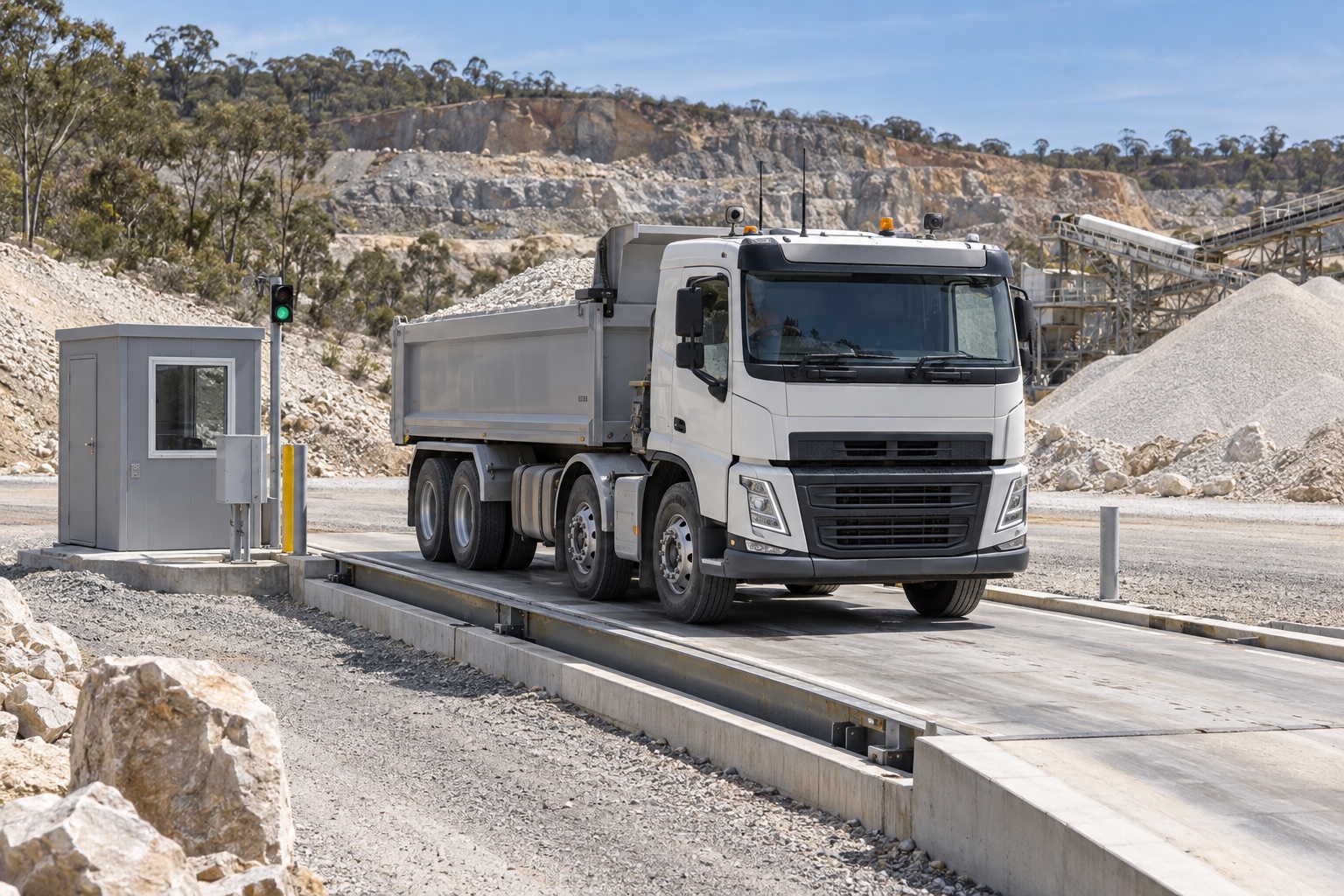
Identify the vehicle, follow the weighing instructions and receive the digital docket from the cab. Remove the walk to an office or external terminal from the supported weighing process.
Follow a weighingFront entrance · Platform 1
Your docket is ready.
Follow site signals before moving.
Illustrative driver screen · Sample data
On-site processing retains records and runs configured weighing functions during an internet outage. Queued records sync when connectivity returns.
Explore outage behaviourConnect compatible serial and Ethernet indicators. Coordinate supported gates, lights, cameras and positioning sensors.
Check the hardware fitLocal development and support from people who understand the scale, the site and the transport task.
Meet your support approachLocal operation. Connected oversight.
The gateway processes configured weighing functions on site. The cloud gives your team visibility across connected depots and access for remote weighbridge operations.
Explore how the system is designed to behave in each connection state.
Local operation requires power and the configured local network. Remote clerk access and live cloud updates require connectivity.
On your site
Local weighing runs on site. Records are shared with connected central systems.
Interactive illustration · Not live site status
One coordinated weighing process
Choose a typical site workflow
The driver connects from the cab. Configured vehicle recognition can supply identification details.
Site signals guide access. Capture the stable tare reading before loading.
The truck loads, returns to the bridge and completes the gross weighing.
Associate the measurements with the vehicle and transaction, then calculate net mass.
The driver receives a digital docket in the cab and follows site signals to depart.
Transfer agreed records to connected systems. Queue records if the internet is unavailable.
Outbound load: Tare in → load → gross out → digital docket.
Your equipment, connected
Connection diagram · Hardware appearance and interfaces vary by configuration
Retrofit & integration
Connect supported legacy indicators through RS-232 or RS-485, or use Ethernet with compatible IP indicators. Retain serviceable load cells and indicators while extending what the site can do.
Compatibility and integrations are assessed per project. Have your indicator make and model handy.
Built around your operation
Configure the weighing sequence around your site’s vehicles, materials and operating procedures.
Tare in. Load. Gross out. Keep dispatch and weighing records together.
Review my quarry workflowGross in. Unload. Tare out. Associate the vehicle, material and transaction.
Review my facility workflowConsistent weighing across depots, with connected records and remote visibility.
Review my depot workflowPlan local operation and controlled vehicle movement around site conditions.
Review my site workflowRecords you can work with
Bring vehicle identification, measurements, timestamps and docket details together. Give authorised staff the context to review a weighing, answer a customer query and reconcile the load.
Discuss your weighing requirementsPlan equipment, control systems and ticket formats around the requirements that apply to your installation.
NMI public weighbridge guidanceMake weighing information available to the people responsible for load and transport decisions. Software supports your processes; transport responsibilities remain with the relevant parties.
NHVR Chain of Responsibility guidanceReview how records are created, retained, synchronised and corrected as part of your implementation.
Developed & supported in Australia
A weighbridge is part of a working site. Your software, equipment and support need to work together.
From compatibility assessment to fault investigation, work with Australian engineers who understand the scale, the site and the transport task. Agree on commissioning, training and support coverage around your operation.
Talk through your sitePractical questions
Not necessarily. We assess the indicator make, model, protocol and available connections. Supported serial and Ethernet indicators can be retained, along with compatible weighing equipment. Compatibility is confirmed before the installation is scoped.
Configured local weighing functions and record retention run on site. Remote clerk access, live cloud visibility and transfers to external business systems depend on connectivity. Your site review establishes the local driver connection and the exact workflows available during an outage.
Connected sites can be brought into a shared remote operating workflow. We scope permissions, visibility, exception handling and connectivity requirements around your team. Remote operations refers to software for your operators, rather than a staffed clerk service supplied by Tetrascale.
Integrations are scoped around your system, its available interfaces and the data you need to exchange. We establish which system owns each record, the transfer direction, and how failed transfers are reconciled. Connector availability is confirmed during the review.
Compliance depends on your equipment, installation, processes and applicable requirements. Tetrascale supports weighing and record-keeping workflows. It does not replace equipment verification, public weighbridge licensing where required, or your Chain of Responsibility duties.
Start with the site you have
Tell us where the delays occur and what equipment is installed. Start with a practical review of compatibility, workflow and integration requirements.
No indicator model handy? You can provide a photograph later.